 OneVoicer
The harvest tool for live facilitation.
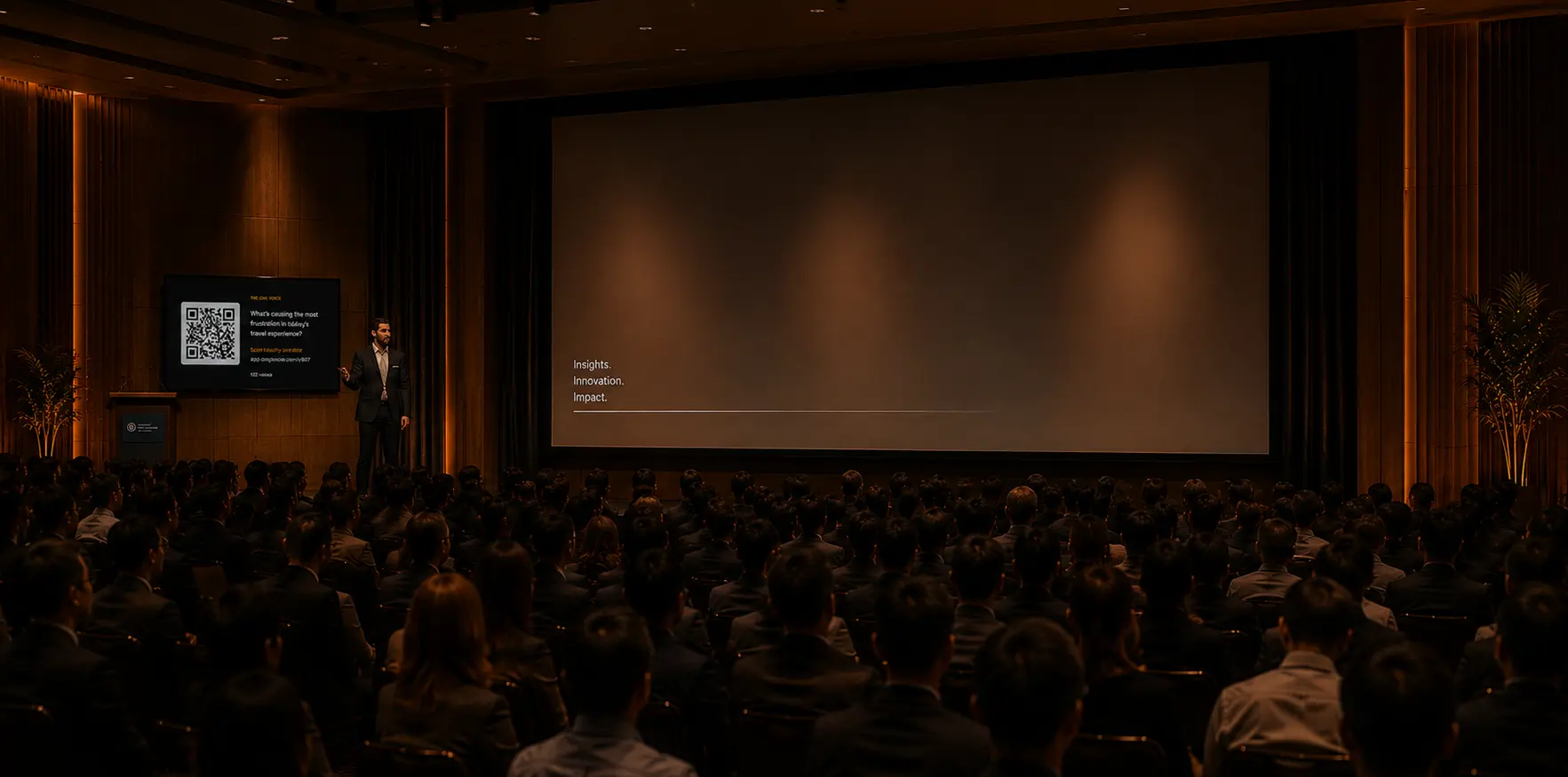
Run the structure, then let everyone send results from their phone. You see every voice as it lands, the room gets clusters or analysis to discuss, and you get the raw data for your report.
No downloads and no accounts.
Free · No credit card






How OneVoicer works
Run a structure
Any Liberating Structure, your call. You facilitate; OneVoicer waits for the harvest.
Open the harvest
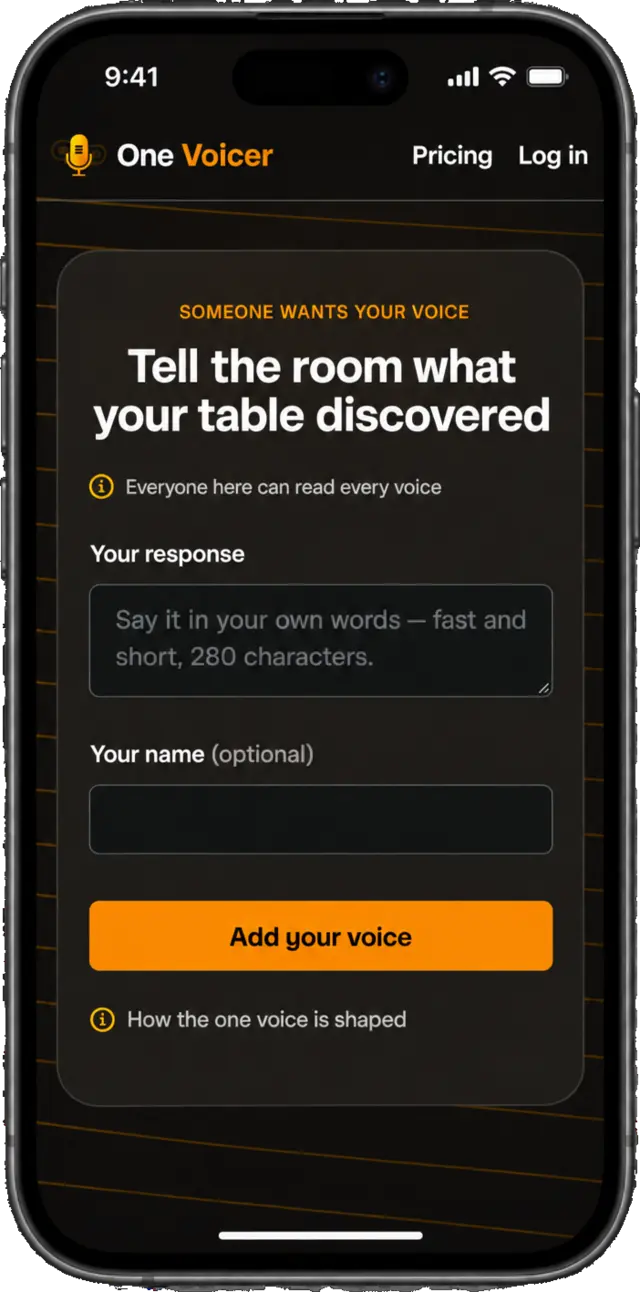
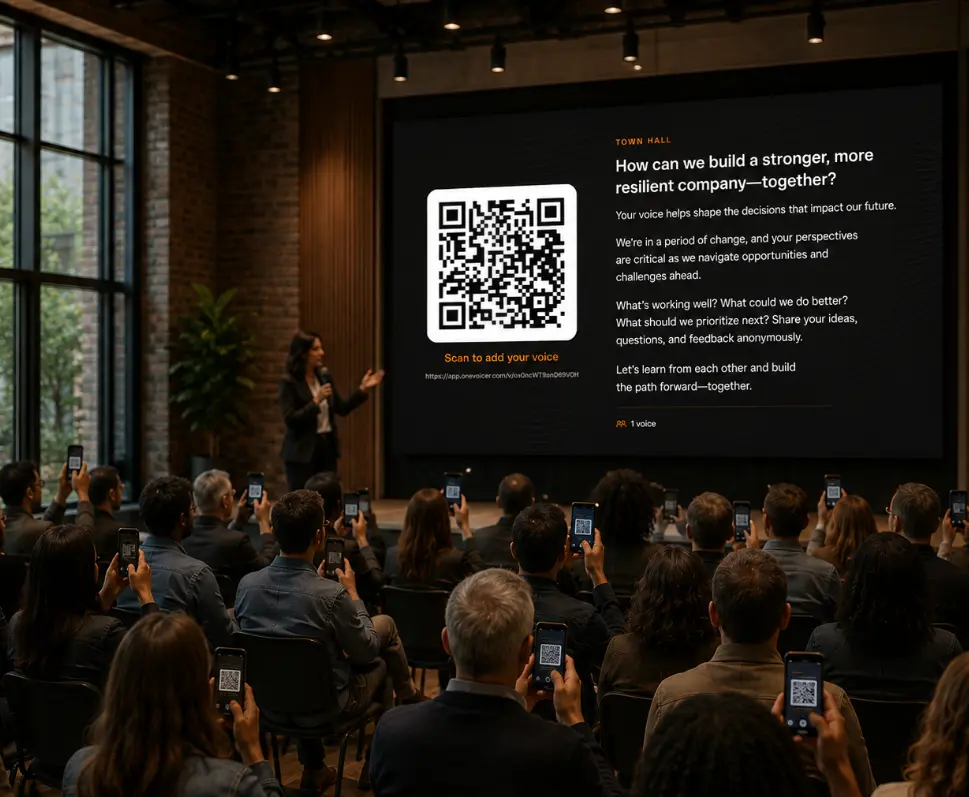
Put up the QR code. Every person or group adds their voice from their phone.
Show it back
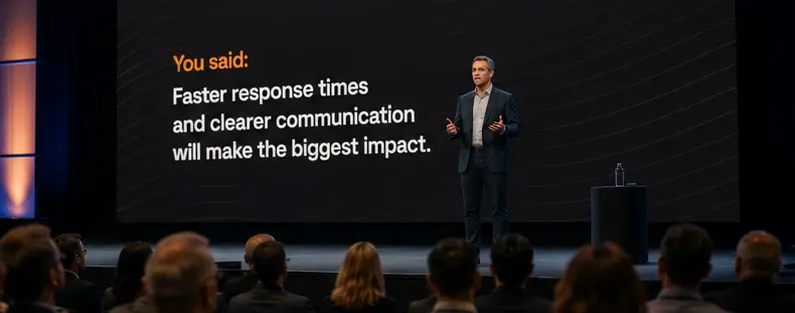
Every voice on screen as it lands, then the one voice: a first synthesis for the room to test.
Go deeper
Optional deep dive or perhaps you move on. You have the data for reporting.
Leave with the source and write better reports.
Every voice the room gave you, verbatim and timestamped, per question. Download the CSV and quote the room’s own words in the client report. Each structure gets its own deep dive for additional sense-making.
- Verbatim. Nothing paraphrased, nothing lost.
- Timestamped. See what came first and what came after the conversation moved.
- Anonymous by default. Names are never in the file.
Results pages and CSV download are on Creator and Agency. Reading the results →
Three modes: on screen and in participants’ hands
No account, no app needed. Sharing and going live →
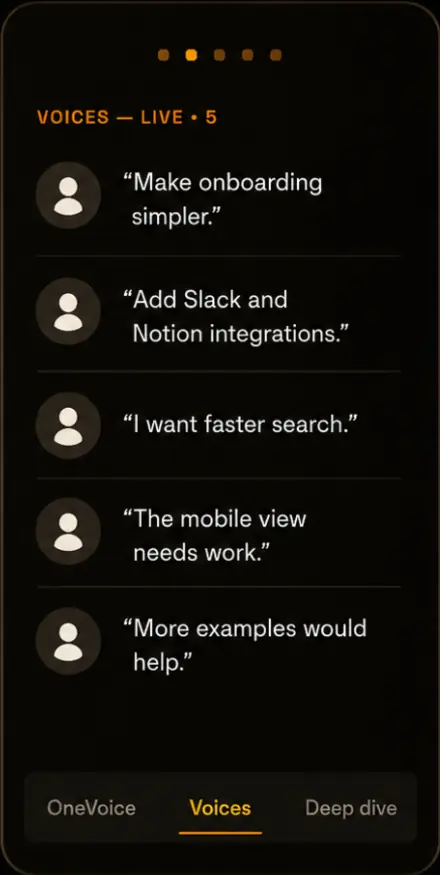
Voices
Every response as it landed, verbatim. The harvest, ready for the report.
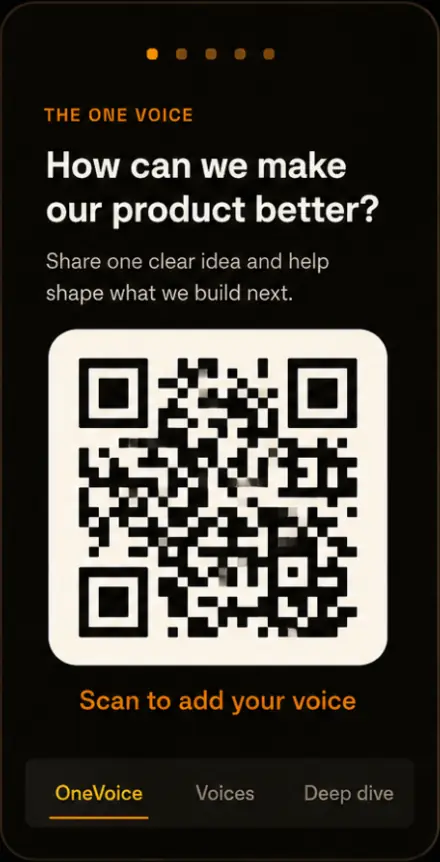
OneVoice
The first synthesis, shown live so the room can react to it.
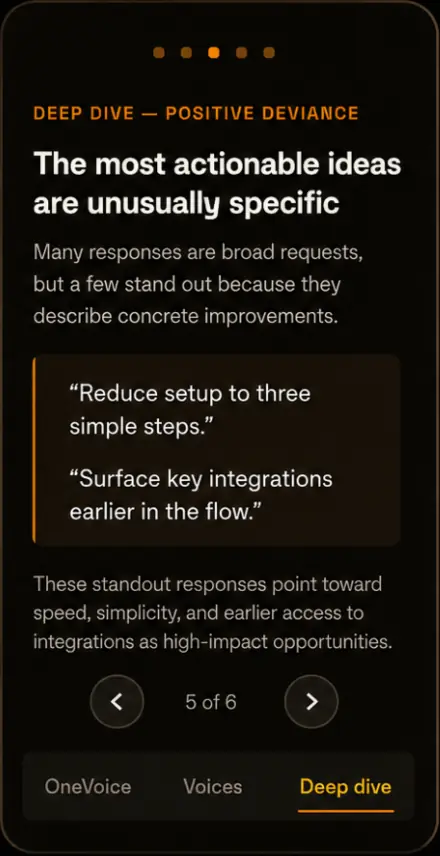
Deep dive
Six lenses for live sense-making. It opens the conversation, it doesn’t close it.
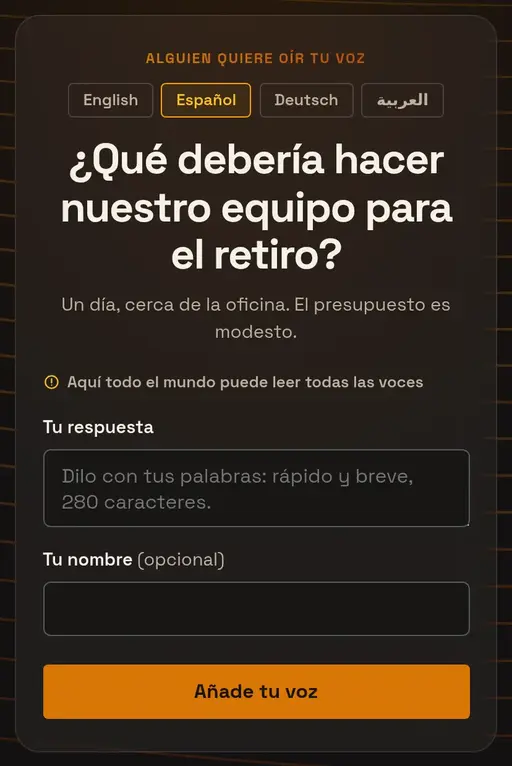
Multi-language support
One QR code for a room that speaks several languages. Everyone reads the question and the one voice on their own phone, in the language they choose. The big screen stays in yours.
Thirty-three languages. How languages work →
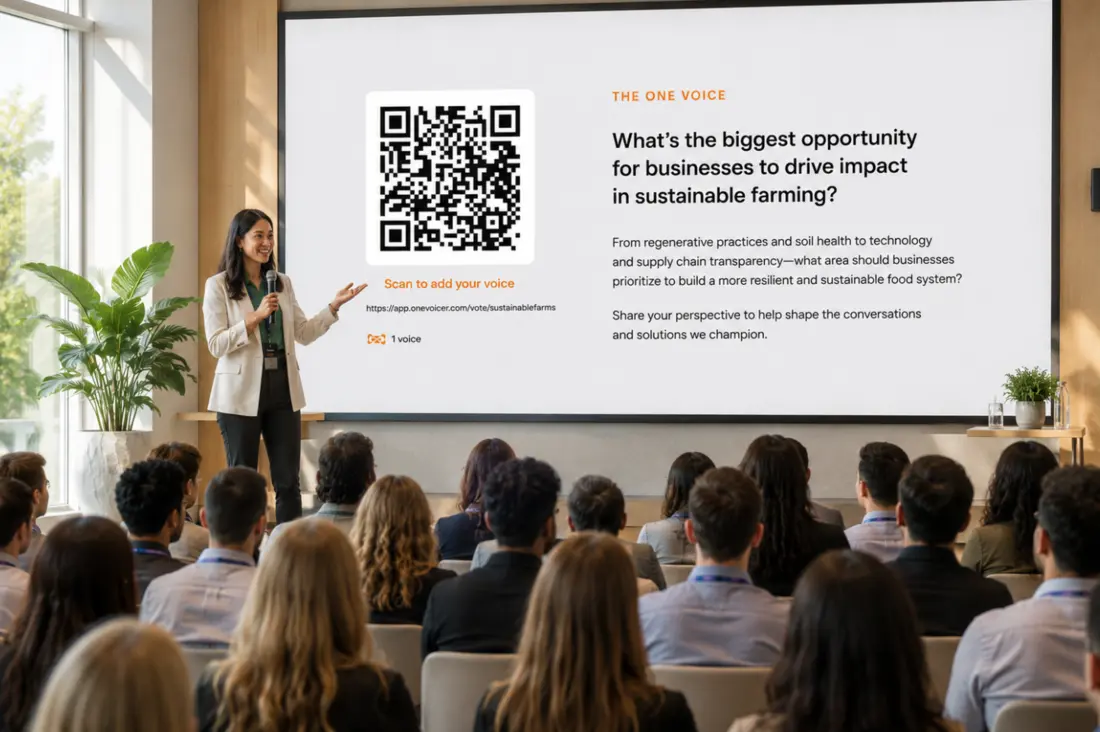
One tool, every room you facilitate
Workshops, conferences, town halls, online sessions: the same harvest wherever the room is.
A OneVoicer session
“Where should we focus next quarter?”
Focus on onboarding: the drop-off keeps coming up, and most of the room puts retention ahead of new features. Enterprise can wait a quarter.
Onboarding is the shared worry.
jordan theoOne voice wants enterprise deals; nobody else raised it.
priyaRetention now versus stability first.
maya samQuestions, answered
Does OneVoicer replace the facilitator?
No. You choose the structure, hold the room and decide what happens next. OneVoicer collects the harvest, shows it back and offers a first synthesis. What the room does with it is still your work.
Does it work with Liberating Structures?
Yes, that is where it fits best. Run 1-2-4-All, TRIZ, What/So What/Now What or any structure you like to generate the material, then open a Voicer for the harvest. It replaces the flip chart and the shout-out round, not the structure.
Do people need an account to answer?
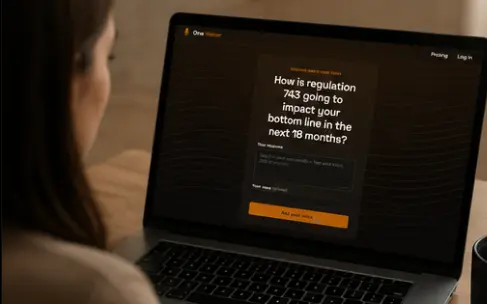
No. You share a link or QR code and anyone can add their voice from their phone browser. No sign-up, no app. On paid plans you can optionally require sign-in so each voice is one verified person.
How does the “one voice” answer work?
When you blend a question, AI reads every response and writes one short synthesis of what the room said. Treat it as a first draft for the room to test and push back on, not a verdict. You can re-blend any time as more voices arrive.
Can I use the responses in my client report?
Yes. Every voice is kept verbatim with a timestamp, and on Creator and Agency you can download each question as a CSV. Names are never in the file, so the harvest goes straight into the report.
How many people can respond?
From a table of five to a hall of thousands. Each plan sets how many responses a question can collect.
Is it really free?
Yes. The Starter plan is free, no credit card. Upgrade only when your crowd outgrows it.