OneVoicer
Keynote audience engagement that hears the whole room
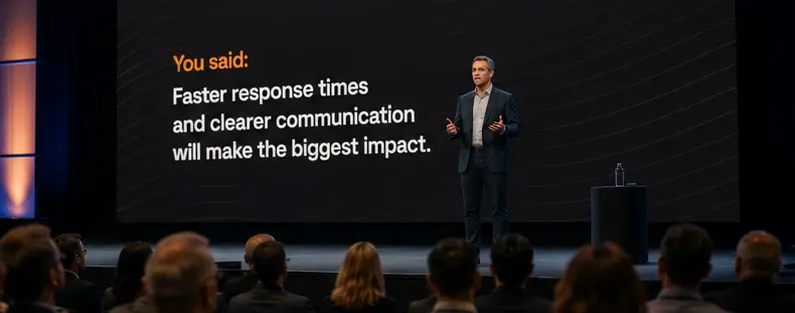
A keynote is a monologue until you open it up. Drop a QR code on the screen and the whole room answers at once, and OneVoicer’s AI turns the flood into one clear read you can react to from the stage.
-
Drop a QR code on your title slide
- 📱
Every seat answers from their phone, no app, no sign-up
-
One clear read of the room lands on screen, then re-blend as replies pour in
A keynote is a monologue until you let people in
A title slide in front of a silent hall only points one way. Put a QR code on that slide and the room answers all at once, and the talk turns into something you can steer while you’re still standing there.
OneVoicer folds those hundreds of replies into a single clear read of who showed up and what they came for.
It doesn’t mind how big the room is
Thirty seats or three thousand, every reply gets counted, not just the first few hands. The larger the crowd, the more one blended answer beats working a microphone up and down the rows.
Questions worth asking
- What brought you to this talk today?
- What’s the one takeaway you’re hoping to leave with?
- What’s your biggest challenge with this right now?
- Where should I spend the last ten minutes?
- What did this change your mind about?
Good to know
Do attendees need an app?
No. They scan the QR code and answer in their phone browser. No download, no account by default.
Will it keep up with a big room?
Yes. Whether it’s 30 people or a 3,000-seat hall, every reply is read and blended, not just the first few hands.
Can I show the result on screen, live?
Open your question link on the lectern screen and re-blend as answers arrive. The room watches its own voice form in real time.