Where the phones come out: OneVoicer with Liberating Structures
Where phones help in Liberating Structures, and where they stay in pockets.
What you’ll learn
- When to bring the phones out in 1-2-4-All
- How to capture every table’s answer word for word
- How each round can build on the last
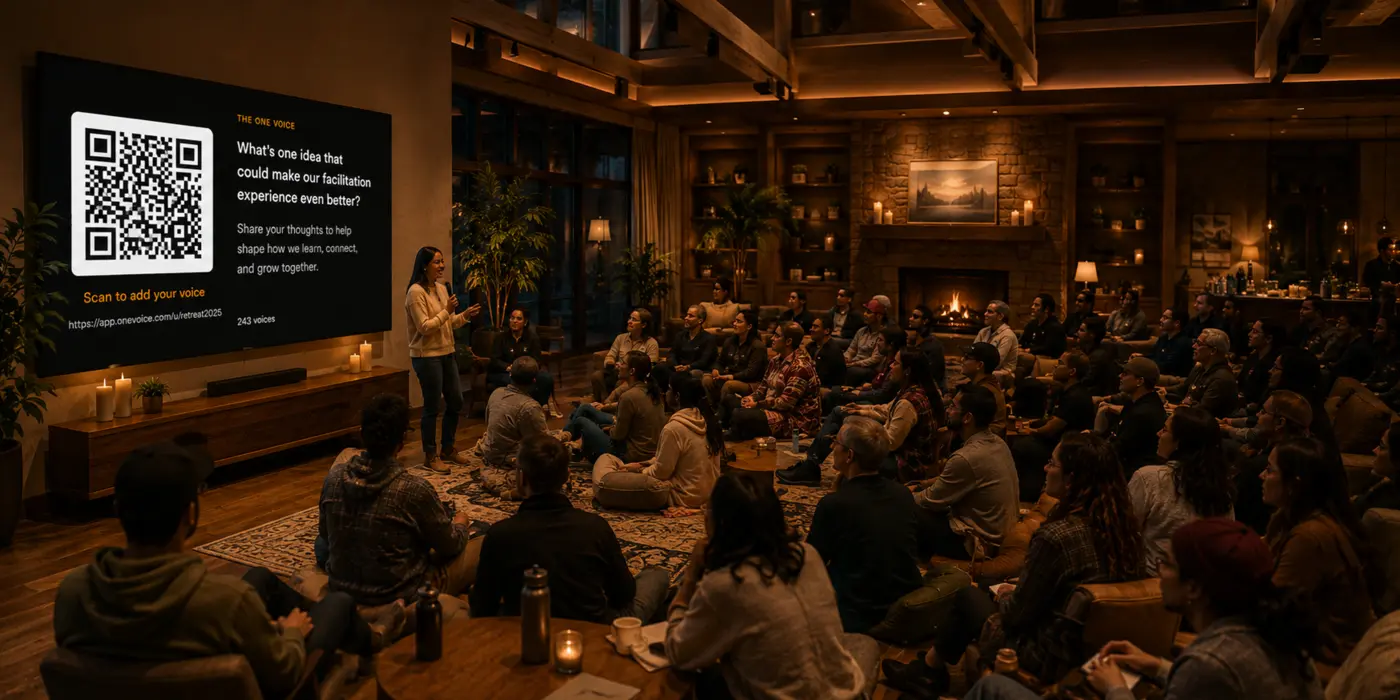
A facilitator sent us a DM this week. Our site says OneVoicer works with Liberating Structures, and they wanted to know how a group gets from one person to two to four while using it. The honest answer is that it doesn’t. Liberating Structures have been run in more rooms, for longer, than any tool we could build, and the value is in the conversations. OneVoicer sits out most of the session like an observer and comes in at one point: when the whole room, table, or breakout group shares what it found.
# In 1-2-4-All, the phones stay in pockets until “All”
Here is the structure as Lipmanowicz and McCandless wrote it up, with the timings from the Liberating Structures site, and where OneVoicer sits in it.
- 1: one minute alone
- Silent reflection on the invitation. Phones stay in pockets.
- 2: two minutes in pairs
- Share and build on each other’s ideas.
- 4: five minutes in fours
- Pairs join up, refine, and pick the ideas worth carrying forward. Nobody has touched a phone yet.
- All: seven minutes with the whole room
- The site’s wording is “a few people share something everyone should hear.” This is where the QR code or link goes up.
# At “All”, every table still shares what it found. Now it gets written down and read
As written, the “All” step is a round of share-outs: twelve tables, seven minutes, one idea each, with the facilitator listening for patterns and capturing a line per table on a flip chart. That works, and the flip chart is doing its job, holding the headlines. What it cannot hold is what each table actually said, or a quick analysis of all twelve the way OneVoicer can with a deep dive.
With OneVoicer, the “All” step goes like this:
The presentation view goes up with the invitation and a QR code. One person per table scans it and types the idea their four agreed on. As the answers land, the screen shows either Voices mode, each one listed as it arrives so the room can read along, or OneVoice, a blend of all twelve forming as they come in. A minute or two later every table’s answer is in, word for word, and the room spends the rest of the seven minutes on what they add up to. The conversation that got the tables there is untouched. None of it got lost on the way to the front.
The same move works in most structures, because most of them end with some version of that step. Here is where the share-out sits in the ones we get asked about, and what OneVoicer does there.
| Structure | The share-out step | What OneVoicer does there | Who sends |
|---|---|---|---|
| 1-2-4-All | All: “a few people share something everyone should hear” | Every quartet sends its one idea; the blend sits next to the flip chart with all twelve, verbatim | One phone per four |
| TRIZ | Groups share their lists of what to stop doing | Each group sends its stop-doing list; the blend shows what the whole room wants to stop | One phone per group |
| What, So What, Now What | Plenary after each round, captured on a flip chart | Three harvests, one per round, each one read aloud before the next | Per person or per group |
| Conversation Café | A few participants share a takeaway from their table | Every table sends its takeaway; the blend is the plenary | One phone per table |
| Min Specs | Groups present their shortened lists and the facilitator merges them | Each group sends its list; the blend is the first draft of the merged specs | One phone per group |
| 15% Solutions | Select participants share solutions that resonated | Everyone sends their own 15% solution; the blend shows what people are ready to do | Per person |
| 25/10 Crowd Sourcing | Cards pass hand to hand and get scored | Leave it alone. The cards and the walking are the point | Nobody |
# Progressive rounds: the next question starts from the last blend
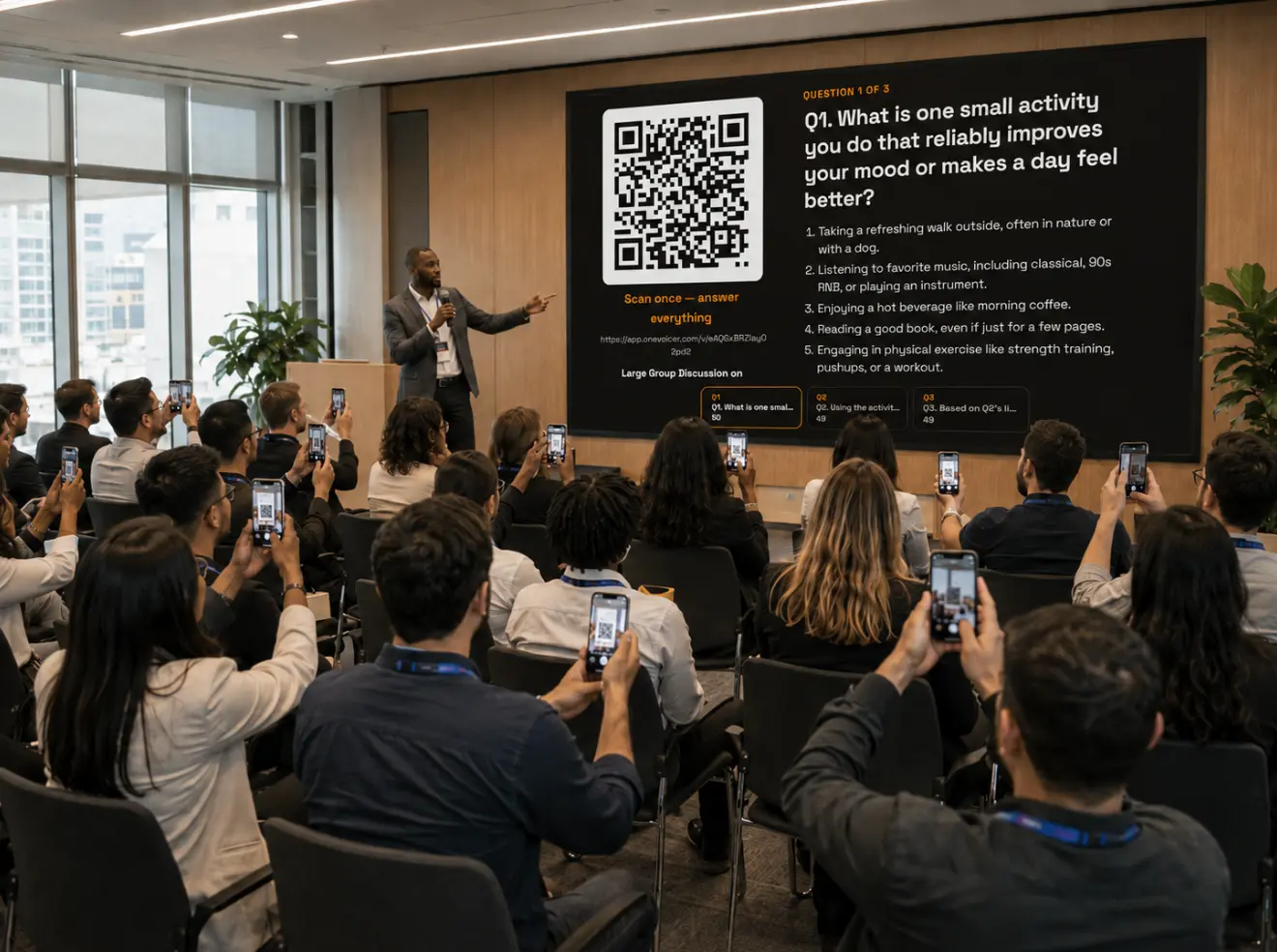
The same facilitator also asked about progressive discussion, where question two is asked against the answers to question one. That is the harder case, and honestly it is the one where we think OneVoicer helps most.
The bottleneck in a progressive session has always been the same: someone has to read everything from round one before round two can build on it. In practice that means a break, a flip chart summary written in a hurry, or a follow-up meeting. We wrote about this as the synthesis gap in our piece on facilitating with groups.
With a blend already on the screen at the end of round one, the facilitator reads it aloud, asks the next question, and the room is off again. The breakout size can change between rounds because the harvest does not care who sends. A What round can be per person and fast. A So What round can send the fours back to their tables to argue with the blend and send one answer per table. A Now What round can go back to per person, so each commitment has a name on it.
We ran exactly this arc with fifty strangers, three questions behind one QR code, each round building on the blend of the one before. The average participant crossed the whole thing in under five minutes.
The worked example: What, So What, Now What with 50 strangers →
# What it adds: every voice, read back before the room moves on
The simplest description is a harvest tool. It takes in what every person or every table found, keeps each voice word for word, and offers a synthesis to the room before the room moves on. It does what the mic and the flip chart already do at the share-out, and adds the two things they cannot: every word kept, and a synthesis (a OneVoicer blend or deep dive) while there is still time to discuss it.
A few things follow from that which are worth knowing before you run it.
- Every voice is kept verbatim
- The blend is what the room discusses. The individual answers are what you leave with, and they are all there, not the ones somebody managed to write down.
- The room can push back on the synthesis
- The blend goes up live, so if it has missed something a table can say so and the facilitator can adjust in the moment, the way you would with a flip chart summary. The room stays in charge of what the room meant.
- Mixed-language rooms work the same way
- People answer in their own language and the blend reads back in the room’s. We wrote up how that works in Facilitation tools for multilingual rooms.
- The report is mostly written
- Every harvest is saved. Run the deep dive, a six-lens analysis of consensus, priorities, minority views and the rest, live in the room if the group wants to see it, or later at your desk when you write the report.
# Back to the DM
The facilitator who messaged us was right to be confused, and the fault was our wording. “Works with Liberating Structures” sounds like the tool runs the structure, when it only captures one step of it. You still hold the room, keep the time, and decide who talks to whom and for how long, and the structure does what it has always done in the pairs and the fours. OneVoicer watches from the side until you turn to the whole room and say, tell us what your table found.
# Frequently asked
Does OneVoicer change 1-2-4-All?
No. It adds to the All step only. The silent minute, the pairs and the fours run exactly as the Liberating Structures site describes them, with no phones and nothing on the screen to look at. When you turn to the whole room, the tables share out as they always have, and every answer is captured and blended while they do it.
Should each person send, or each table?
Either works, and you can change it between rounds. One phone per table matches the structure and keeps the blend close to what the groups agreed. Per person captures the disagreement the fours smoothed over, and it is the right choice for commitment rounds like Now What or 15% Solutions.
Does it work across rounds that build on each other?
Yes. A group puts several questions behind one QR code, and the blend from each round is on the screen when the next question is asked. Groups are on the Creator plan and up.
# References
- Lipmanowicz and McCandless, “1-2-4-All,” Liberating Structures
- Lipmanowicz and McCandless, “Creative Destruction (aka TRIZ),” Liberating Structures
- Lipmanowicz and McCandless, “What, So What, Now What? (W³),” Liberating Structures
- Lipmanowicz and McCandless, “Conversation Café,” Liberating Structures
- Lipmanowicz and McCandless, “Min Specs,” Liberating Structures
- Lipmanowicz and McCandless, “15% Solutions,” Liberating Structures
- Lipmanowicz and McCandless, “25/10 Crowd Sourcing,” Liberating Structures