Five word cloud alternatives that show what people actually said
Word clouds show which words came up, not what people said. Here are better options.
What you’ll learn
- Where word clouds fall short
- What to look for in an alternative
- How five tools compare, and which fits your session
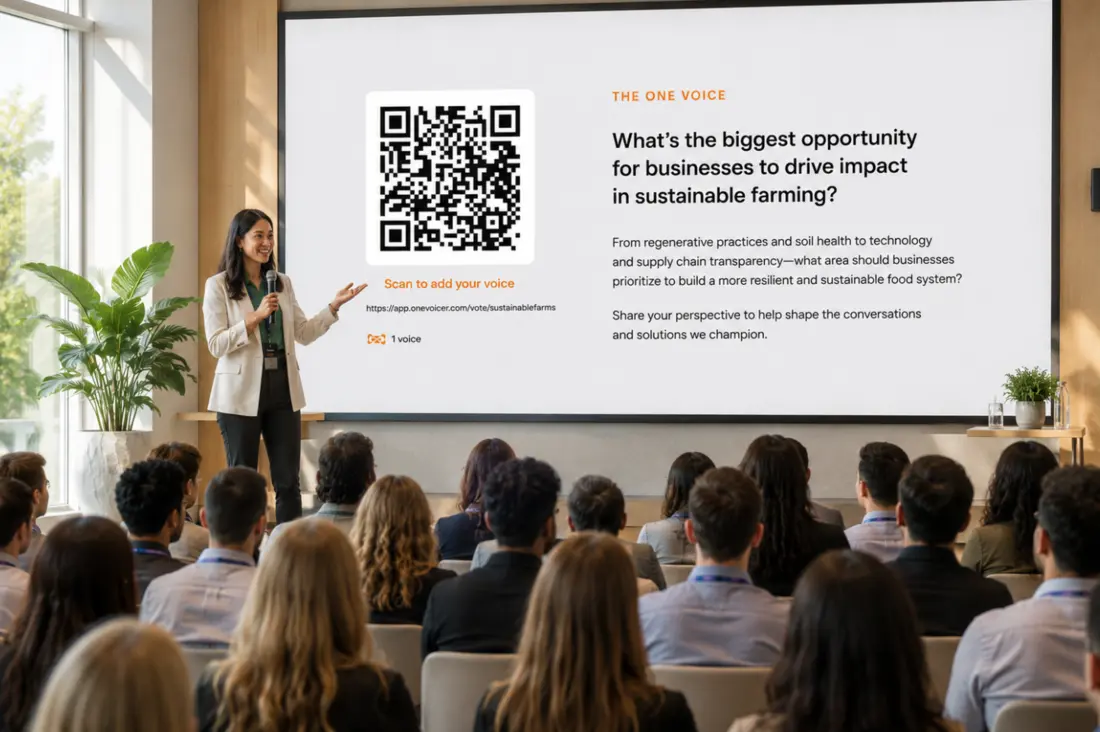
Ask a room an open-ended question through almost any audience-response tool and the default output is a word cloud: everyone’s answers shredded into single words, sized by how often each word appeared, and arranged into a colorful blob. Clouds are quick, familiar, and genuinely fun to watch fill up. That is why they are everywhere.
They are also a weak instrument for the moment when you actually need to know what the room said. This short guide covers why, what to look for instead, and five commercial tools, each of which handles open-ended answers in a different and more readable way. It is written for anyone who puts open questions to a room, and especially for facilitators of workshops and other large-group sessions, where the cloud is usually standing in for the synthesis the group actually came for.
# Where word clouds fall short
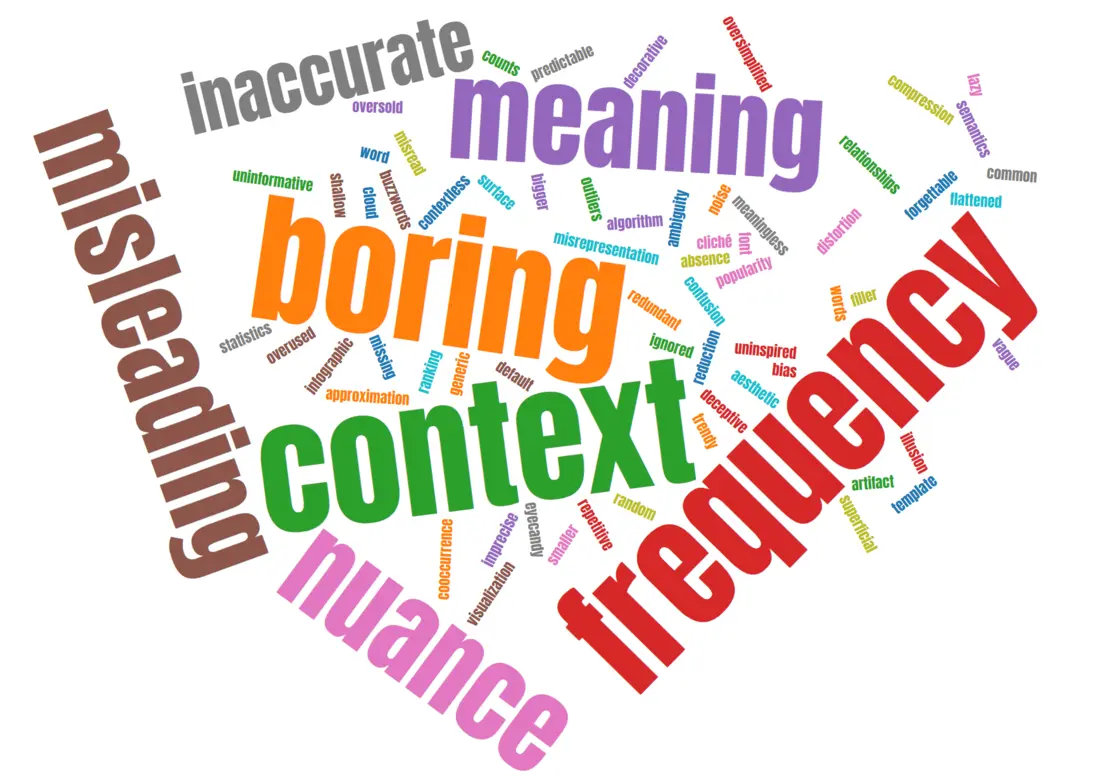
The core problem is that a cloud throws away the sentence. “Slow” gets big whether people wrote “too slow” or “never slow,” and opposite opinions merge into one confident-looking word. Jacob Harris, then a New York Times senior software architect, made this case memorably in his 2011 Nieman Journalism Lab essay “Word clouds considered harmful”: clouds support only the crudest textual analysis, strip words of their context, and leave the reader to invent the story.
Research points the same direction. In a 2008 study presented at the Hawaii International Conference on System Sciences, Marti Hearst and Daniela Rosner found that tag clouds work less as a data-analysis tool than as a social signal, something that looks friendly and approximate rather than something people use to extract meaning. And the visualization literature has kept treating the classic cloud as a starting point to fix: a 2024 paper in Information Visualization by Maria Skeppstedt and colleagues opens from the premise that the familiar word cloud discards the context and structure of the text it summarizes.
None of this makes clouds useless. It makes them a mood ring: fine for energy, unreliable for meaning. Frequency is not importance, single words are not opinions, and the synthesis, the part you actually wanted help with, is left to whoever is squinting at the screen. In a facilitated session that someone is the facilitator, reading the blob live while the room waits for the debrief.
# What to look for instead
A better tool for open-ended answers does some combination of four things. It keeps full sentences intact instead of shredding them. It does real synthesis for you, by grouping similar answers, summarizing them, or blending them into something readable. It gives you moderation, so a projected screen is safe in front of a crowd. And it matches where your question lives: inside a slide deck for a talk, on the screen of a workshop whose debrief starts the moment the typing stops, or at a standing link that collects answers for days.
All five tools below are commercial products with free tiers or trials, and none of them requires your audience to install anything: people answer in their phone browser via a QR code, link, or join code.
# 1. Mentimeter: clouds, plus AI grouping when you need more
Mentimeter is the tool most people picture when they picture a live word cloud, and as an all-round audience-engagement platform for presentations it is excellent. The reason it makes a list of word cloud alternatives is that Mentimeter itself now offers a better view of open text: its AI grouping feature clusters the responses to an Open Ended question into automatically labelled thematic groups, which you can rename or reassign by hand. As of January 2026, Mentimeter’s AI features are included for all accounts.
Best for: presenters who live inside slide decks and want polls, quizzes, and open questions in one deck. If you are weighing it specifically for open-ended questions, we wrote a detailed comparison, linked at the end of this article.
# 2. Slido: Q&A at meeting scale, with AI topic grouping
Slido, now part of Cisco, is built around live Q&A and polls for meetings, webinars, and all-hands. Open text is a first-class citizen: audience questions arrive as full sentences, attendees upvote the ones that matter to them, and Slido AI clusters similar questions into topics so a host running a large session can spot repeats and themes instead of scrolling. Its analytics add sentiment and top-topic overviews after the fact.
Best for: recurring company meetings and webinars, especially in Webex, Teams, or PowerPoint, where the upvote queue and topic grouping tame a large Q&A.
# 3. Poll Everywhere: open response with real moderation
Poll Everywhere’s open-ended activity keeps complete responses and lets you present them as a text wall, a cluster view, or one spotlighted answer at a time, with the word cloud as just one display option among several. Its standout for open text is moderation: on paid plans a presenter or a delegated moderator approves each response before it reaches the screen, on top of a profanity filter.
Best for: classrooms and corporate training, where showing every answer matters and an unmoderated projector is a risk nobody wants to take.
# 4. Vevox: room for a real answer
Vevox is a polling and Q&A platform popular in universities and employee town halls, and its answer to the word cloud is simply length: open text polls accept responses up to 2,000 characters, so people can write a real opinion instead of the phrase a cloud would have shredded anyway, and the full responses are displayed and exportable. On its word cloud polls, Vevox has added AI theme analysis, which groups similar responses into named themes with a short summary, plus an AI sentiment breakdown.
Best for: town halls and large lectures where you want unabridged, long-form answers from the room, with anonymous Q&A running alongside.
# 5. OneVoicer: every answer blended into one
OneVoicer takes the opposite approach to grouping and counting: it reads every response to one open-ended question and blends them into a single written answer, live on screen. The room scans a QR code, people answer in their own words from their phone browser, and instead of a cloud or a wall of text the screen shows one paragraph that reads like the whole group answering together, re-blending as new voices arrive. Every individual response stays listed underneath it.
It also is not tied to a presentation. The same question can run live during a talk, sit on a stream overlay, or stand open at a link for weeks, and a record-and-reset schedule turns a standing question into a daily or weekly digest with history.
Best for: the moment the word cloud always fumbled, one question that deserves one clear, readable answer, whether that is a keynote, a stream, a large-group facilitation where the blend does the clustering a sticky-note wall used to, or a question that stays open all month.
A cloud shows you which words were frequent. A blended answer shows you what the room meant.
# Picking between them
A short version, by situation:
- Inside a slide deck
- Mentimeter, with AI grouping switched on for the open-ended slides.
- Company meetings and webinars
- Slido, for the upvoted Q&A queue and AI topic grouping at scale.
- Classrooms and training
- Poll Everywhere, when moderated full-sentence responses matter most.
- Town halls and lectures
- Vevox, for long-form open answers shown whole, up to 2,000 characters.
- Workshops and facilitated sessions
- OneVoicer for a blended read the debrief can start from, or Mentimeter’s AI grouping when labelled clusters fit the exercise better.
- One question, one answer
- OneVoicer, when you want the crowd’s reply as a single readable voice, live or standing.
# Frequently asked
Are word clouds ever the right choice?
Yes. For a one-word icebreaker, a vibe check, or a warm-up where energy matters more than meaning, a cloud is quick and fun. The trouble starts when a cloud is asked to summarize real opinions: single words lose their sentences, and opposite views can feed the same big word.
Do audiences need to install an app for any of these?
No. All five tools work in the phone browser: people scan a QR code, open a link, or type a short join code, and answer from there. That keeps participation friction near zero for a live room.
What should a facilitator use instead of a word cloud for a large group?
For large-group facilitation the bottleneck is the synthesis: forty people can write at once, but someone still has to turn the answers into themes before the session can move. Tools that do that reading for you fit best, whether as labelled clusters (Mentimeter, Slido, Vevox) or as one blended answer the debrief can start from (OneVoicer). A plain cloud leaves the theming to the facilitator, live.
Why not just read all the responses aloud?
For a handful of answers, do exactly that. The tools earn their keep as volume grows: at fifty or five hundred responses you need grouping, summarizing, or blending, because nobody can synthesize a scrolling wall of text live on stage.
# References
- Jacob Harris, “Word clouds considered harmful,” Nieman Journalism Lab (2011)
- Marti Hearst and Daniela Rosner, “Tag Clouds: Data Analysis Tool or Social Signaller?”, HICSS (2008)
- Maria Skeppstedt et al., “From word clouds to Word Rain,” Information Visualization (2024)
- Mentimeter Help Center, “Group responses to your Open Ended questions using AI”
- Slido, “Engage your audience in seconds with Slido AI”
- Poll Everywhere, “Moderation”
- Vevox, “Open text polling with Vevox”
- Vevox helpsite, “Text polls”